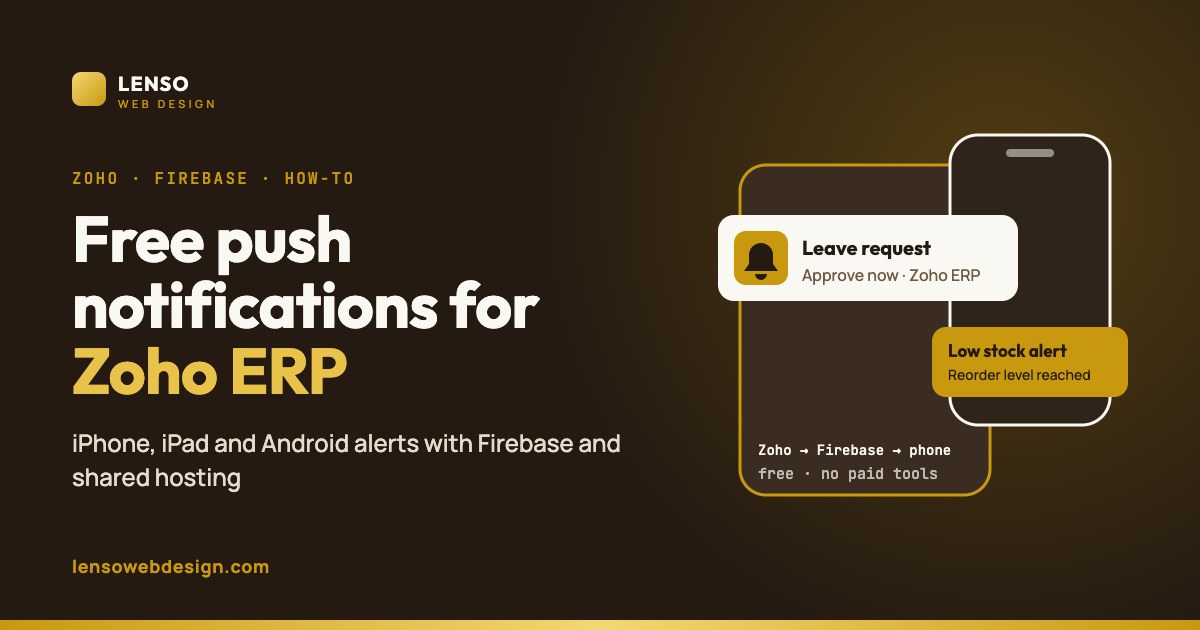
Free push notifications for Zoho ERP on iPhone, iPad and Android
The problem with Zoho notifications
Zoho Creator has a built-in pushNotification Deluge task, but it has real limits for a business ERP:
- It only reaches Zoho Creator account holders. The recipient must be a Creator user, and the alert appears inside the Zoho Creator app.
- Short messages only. Titles are cut at 200 characters and messages at 250.
- Your own branded app is a bigger project. Zoho's mobile SDK route needs your own Firebase project for Android and Apple setup for iOS, plus an app built and published with the SDK.
That's why the same question keeps appearing on Zoho's community forum: how do I notify my team on their phone the moment a record is added? Most answers point to paid push services with monthly fees per subscriber.
How the free setup works
Four parts, all free or already paid for
- Zoho Creator runs a workflow when something happens (new order, leave request, low stock).
- The workflow calls a small PHP script on your shared hosting (Hostinger in our case) using Deluge
invokeUrl. - The script sends the message to Firebase Cloud Messaging (FCM). Google states: "There's no cost to using Cloud Messaging."
- FCM delivers the notification to each registered Android phone, iPhone or iPad.
No extra subscription, and no per-message fees. If you already host a website on shared hosting, the only cost is setup time.
We've built this for a live Zoho ERP, with alerts on phones and iPads. We can set it up for yours, or fix a setup that isn't delivering.
Ask about Zoho notificationsSetup in 6 steps
- Create a Firebase project (free) and add a web app. Note the config and generate a VAPID key for web push.
- Create a service account key in Firebase. Store the JSON file outside your public website folder so nobody can download it.
- Build the subscribe page on your hosting: a small web app (with a manifest and service worker) where each staff member taps "Enable notifications". It saves their device token, linked to their Zoho user.
- Write the send script in PHP. It gets a short-lived access token from Google using the service account, then calls the FCM HTTP v1 API with the device token, title and message.
- Protect the script with a secret key, so only your Zoho workflow can trigger it.
- Call it from Zoho Creator: in a workflow, use
invokeUrlto send the user, title and message to your script.
Security tip: never put the service account key or your secret in the Zoho form, the web page or a public folder. Keep them on the server only.
iPhone and iPad: what you need to know
- Web push works on iOS and iPadOS 16.4 or later.
- The page must be added to the Home Screen (Share → Add to Home Screen). Push doesn't work from a normal Safari tab.
- The user must tap to allow notifications inside the home-screen app.
Once set up, alerts arrive on the lock screen like any app, and they work with Focus modes.
What to send notifications for
| ERP area | Example alert |
|---|---|
| HR | New leave request waiting for your approval |
| Payroll | Salary slips for this month are ready |
| Inventory | Stock of an item fell below the reorder level |
| Desk / support | New high-priority ticket assigned to you |
| Sales | New order received from a key customer |
Common mistakes
- Using the legacy FCM server key. Google moved to the HTTP v1 API with service-account access tokens.
- Expecting iPhone push from Safari. It only works from the home-screen web app.
- Not cleaning old tokens. When a device unsubscribes, FCM returns an error. Remove that token so you don't keep sending to dead devices.
- Sending too many alerts. Notify only what someone needs to act on, or people turn them off.
Frequently asked questions
Is Firebase Cloud Messaging really free?
Yes. Google's Firebase page states there's no cost to using Cloud Messaging. You only need hosting for the small script and subscribe page, which you may already have.
Can Zoho Creator send push notifications to iPhone?
Zoho's built-in task reaches Zoho Creator users inside the Creator app. To reach any staff member's iPhone or iPad with your own alerts, you can use Firebase web push through a home-screen web app on iOS 16.4 or later.
Does this work on shared hosting like Hostinger?
Yes. The script only needs PHP with HTTPS and outbound requests to Google, which typical shared hosting supports.
Do I need to build a native mobile app?
No. A small installable web app is enough for notifications. A native app is only needed if you want an app-store presence or deeper device features.
Can it work with Zoho CRM, Desk or People too?
Yes. Any Zoho app that can run a workflow or webhook can call the same script.
Related
- Case study: a manufacturer's purchase-to-pay in Zoho Creator
- Zoho and WhatsApp business automation
- Five signs your business needs Zoho automation
- Will AI take my job? What the sewing machine taught us
Sources
- Zoho Deluge: push notification task
- Zoho Creator: configure push notifications for your Android app
- Zoho Community: Creator mobile push notification question
- Firebase Cloud Messaging
- 9to5Mac: iOS 16.4 brings push notifications to home-screen web apps
Zoho and Firebase features and limits change over time. Check the current documentation before you build.